Find your coordinates
Google Maps (mobile)
Step 1
On your device make sure location services are enabled.
Navigate to the app “Google Maps”.
When opening the app, you might be prompted to enable location services for the app, make sure to allow.
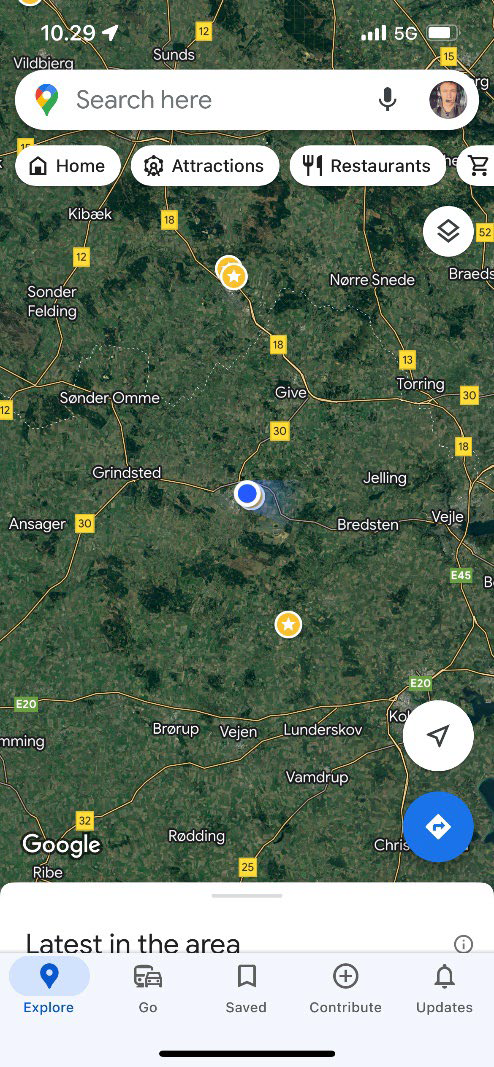
Locate your position or the position of the receiver and then using your fingers zoom in on the map for precision.
Step 2
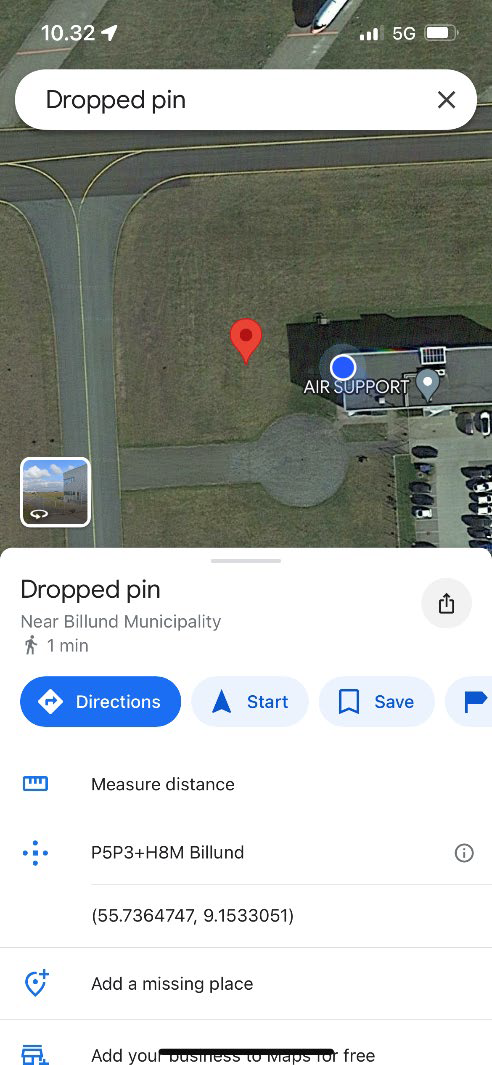
When zoomed all the way in. find the location of where the receiver is mounted and the using your finger press and hold on the location of the receiver.
A dropped pin with a window below should appear.
At the bottom press and copy the coordinates.
Apple Maps
Step 1
On your apple device make sure location services are enabled.
Navigate to the app “Maps”.
When opening the app, you might be prompted to enable location services for the app, make sure to allow.
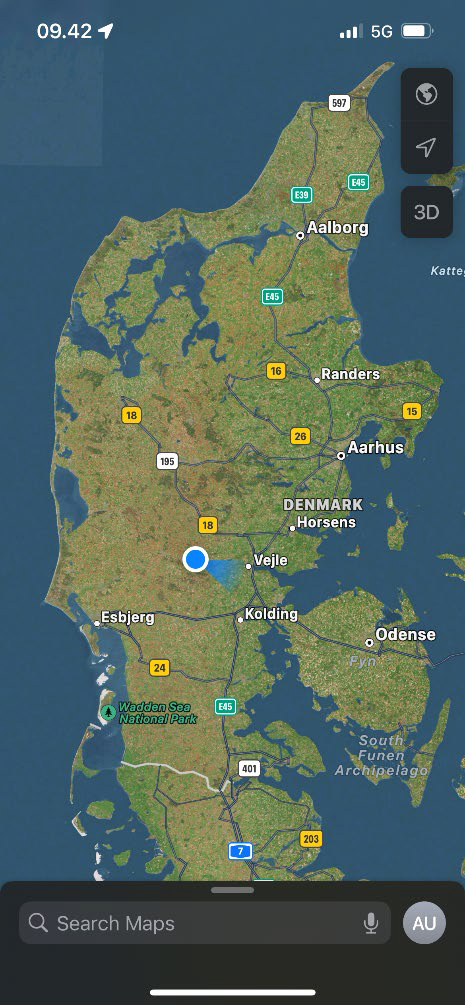
Locate your position and using two fingers zoom in on the map for precision.
Step 2
When zoomed all the way in. find the location of where
the receiver is mounted and the using your finger press
and hold on the location of the receiver.
A window should appear with either “dropped pin” or
“my location” depending on how far you dropped the
pin from your GPS location.
If it’s “my location” press the window and move onto
next step
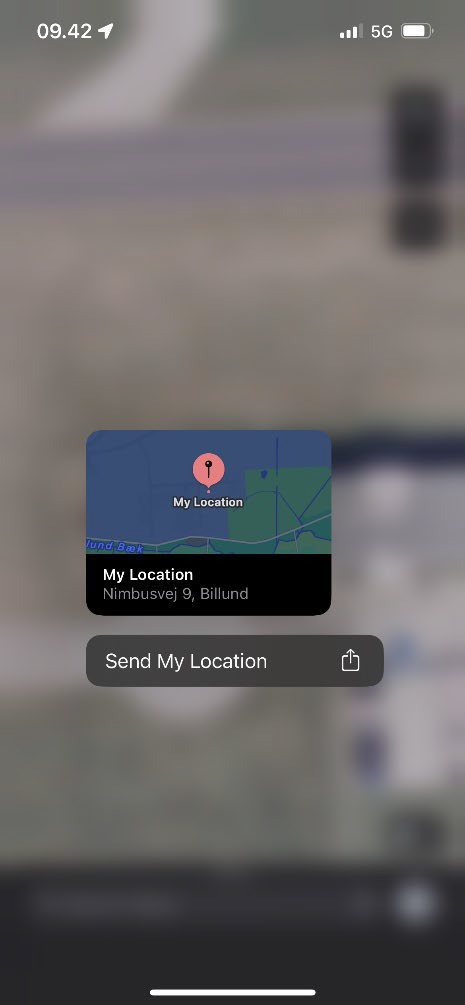
Step 3
A slide up window should appear at the bottom of the screen.
Slide that window up until your coordinates appear at the bottom of the screen.
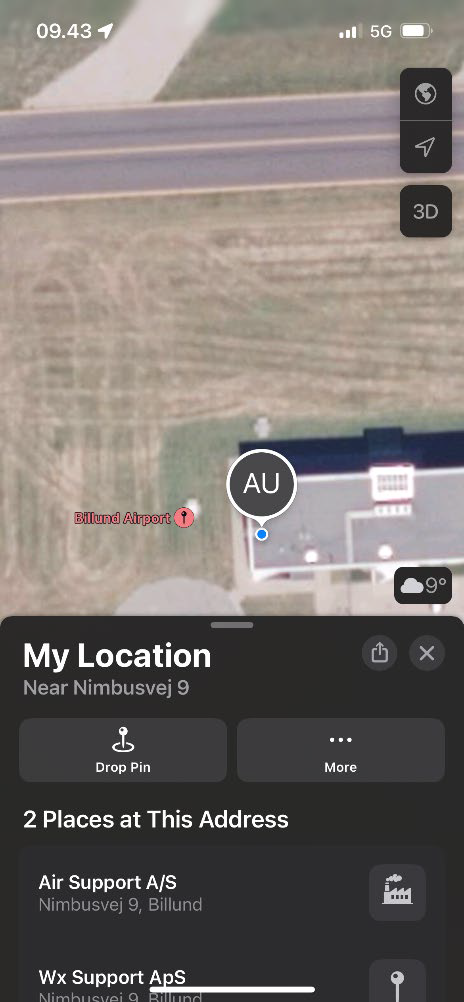
Step 4
At the bottom press and copy the coordinates.
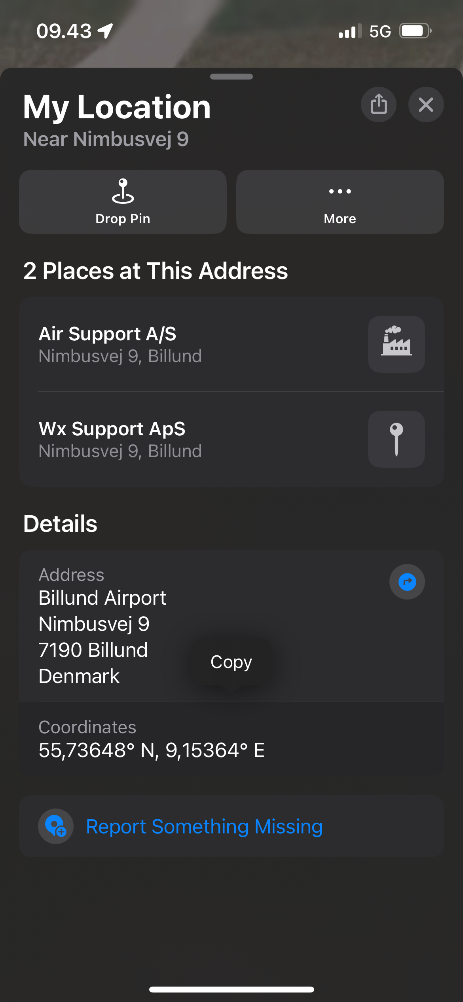
Google Maps (browser)
Step 1
On your computer navigate to your browser and use google.com/maps webpage.
Navigate to your receiver’s position by using mouse or search for an address in the vicinity of the receiver.
Using your scroll wheel zoom in on the position of your receiver for precision.

Step 2
When zoomed in, right click on the position of the receiver.
At the top of the dropdown menu your coordinates will appear.
Left click on the coordinates to copy them to clipboard.
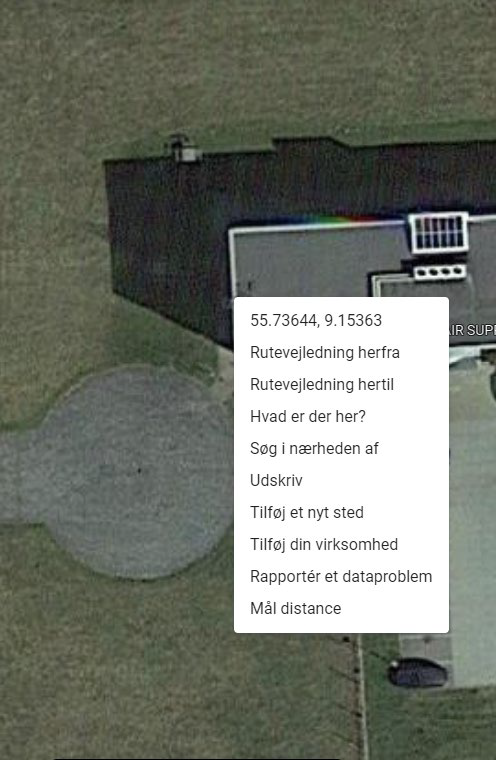
Open Street Map
Step 1
On your computer navigate to your browser and use https://www.openstreetmap.org/ webpage.
Navigate to your receiver’s position by using mouse or search for an address in the vicinity of the receiver.
Using your scroll wheel zoom in on the position of your receiver for precision.
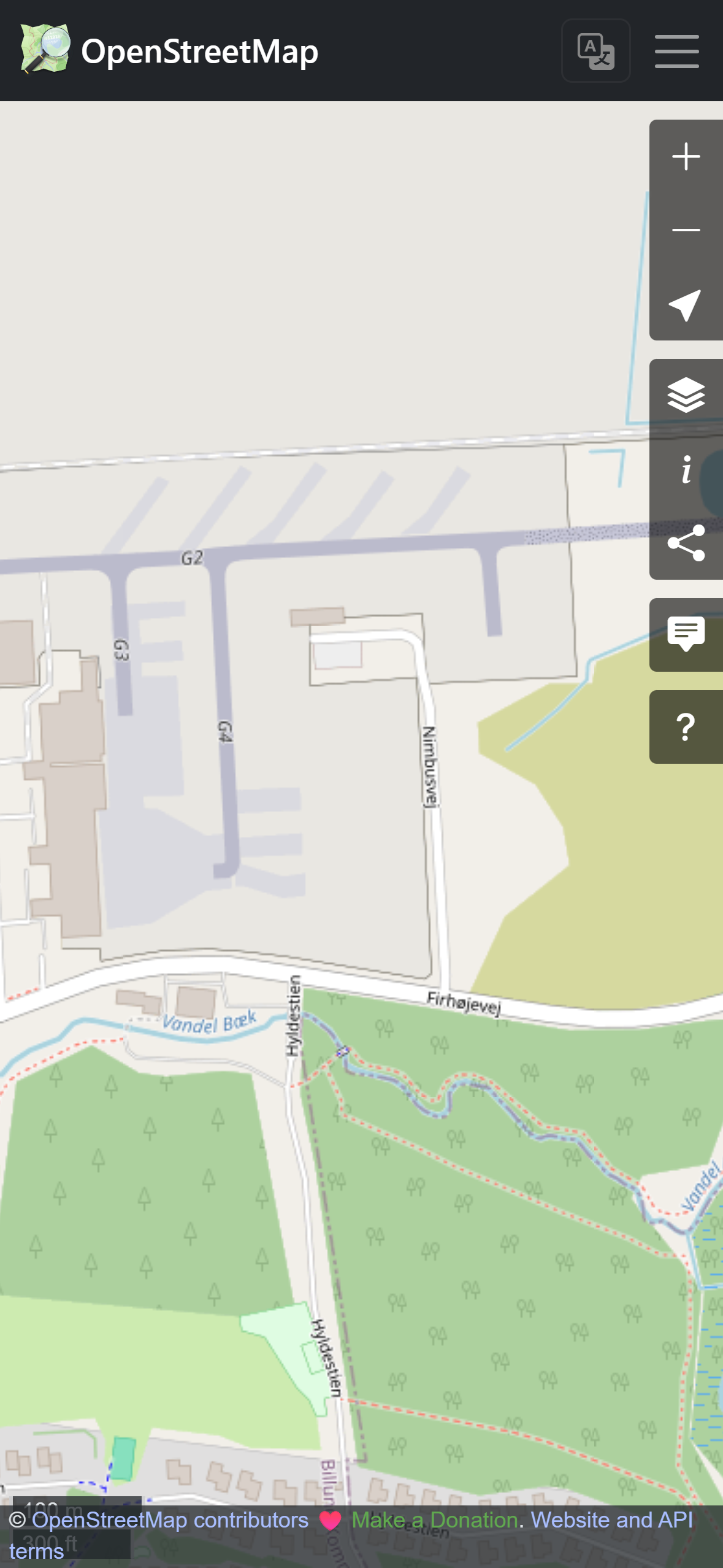
Step 2
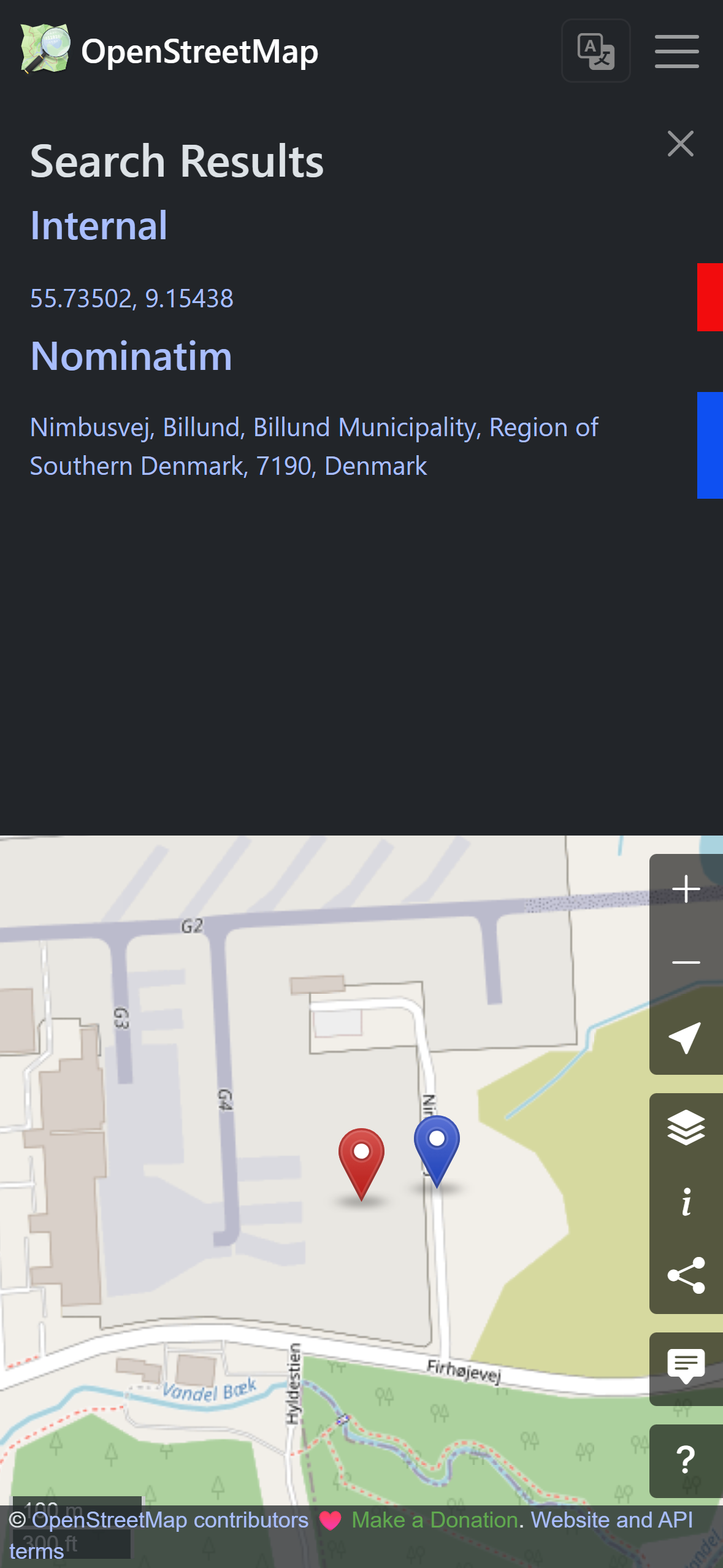
When zoomed in, right click on the position of the receiver and select "Show Address", you should see the coordinates under "Internal":